Ever Motion Programming Tools
Configuration and diagnostics of Titanio series drivers are performed using Ever Studio, an easy-to-use, intuitive and versatile software tool for Windows PC. Through simple views and guided wizards, users can monitor and set all operating parameters required by the drivers and the application.
All Titanio series drivers are equipped with an SCI (serial) interface, through which devices can be configured and applications tested in real time using this software. Additionally, depending on the model, Titanio drivers can also be configured via CANbus or Ethernet.
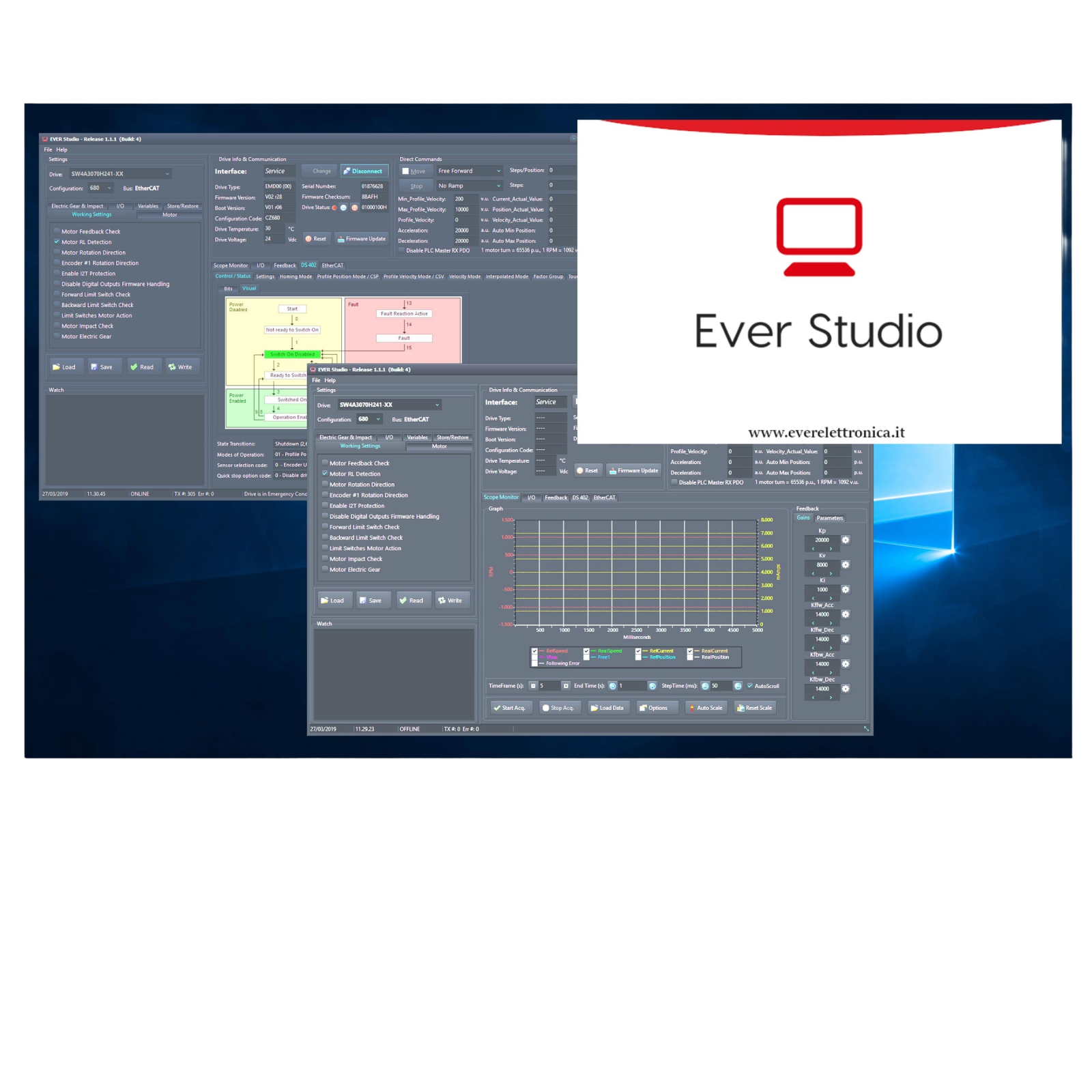
Discover Ever Motion programming tools
Key Features:
- Software tool for installing and configuring all
- Titanio fieldbus drivers in real time via SCI (serial service) interface, or alternatively via CANbus or Ethernet.
- Intuitive and comprehensive views for entering all necessary parameters to integrate the driver and motor, as well as for testing the application.
- Functions for configuring Advanced Module Motion settings and integrating the CANbus DS402 protocol (on drivers with c0380 configuration).
- Functions for driver firmware updates. Includes utility software for testing created applications.
- Wiring Check function and Motor Wizard tool available.
Wiring Check and Motor Wizard
Motor Wizard is an intuitive tool that allows users to search for the connected motor from a built-in catalogue and define its parameters, including default values for closed-loop operation. It is compatible with all three Ever Elettronica motor types: stepper motors, brushless DC motors (BLDC) and brushless AC motors. Motor Wizard provides a simple interface through which motor parameters can be selected or defined in just a few steps. Starting an application with stepper motors, BLDC or brushless AC motors is easy and straightforward, even for less experienced users.
Wiring Check is a guided verification process that progresses step by step through clear views, helping the user verify drive connections and parameters. During the process, configuration data can also be defined and saved to a file, which can be loaded for future installations with the same products. With this tool, the user can perform a quick diagnostic guided step by step by the software. The tool immediately reports any deviations or errors — or alternatively confirms that all devices have been set up correctly.